Getting Started
What is CaddiePress?
CaddiePress is a SaaS product that aims to provide a simple way for golf organisations to engage more with their audience wth engaging social media images.
First Steps
CaddiePress doesn't require any specific setup once you sign up, but there are a couple of settings that we thought you should know about that will make your experience using CaddiePress easier in the long term.
Setting up your Account preferences
You can upload the logo for your organisation so that it can be re-used in all the images you will create. By doing this, you ensure that your logo is always there to use and you don't need to upload everytime for each image you are creating.
Logos must be no more than 200px wide and 200px tall and should be no more than 1Mb in size.
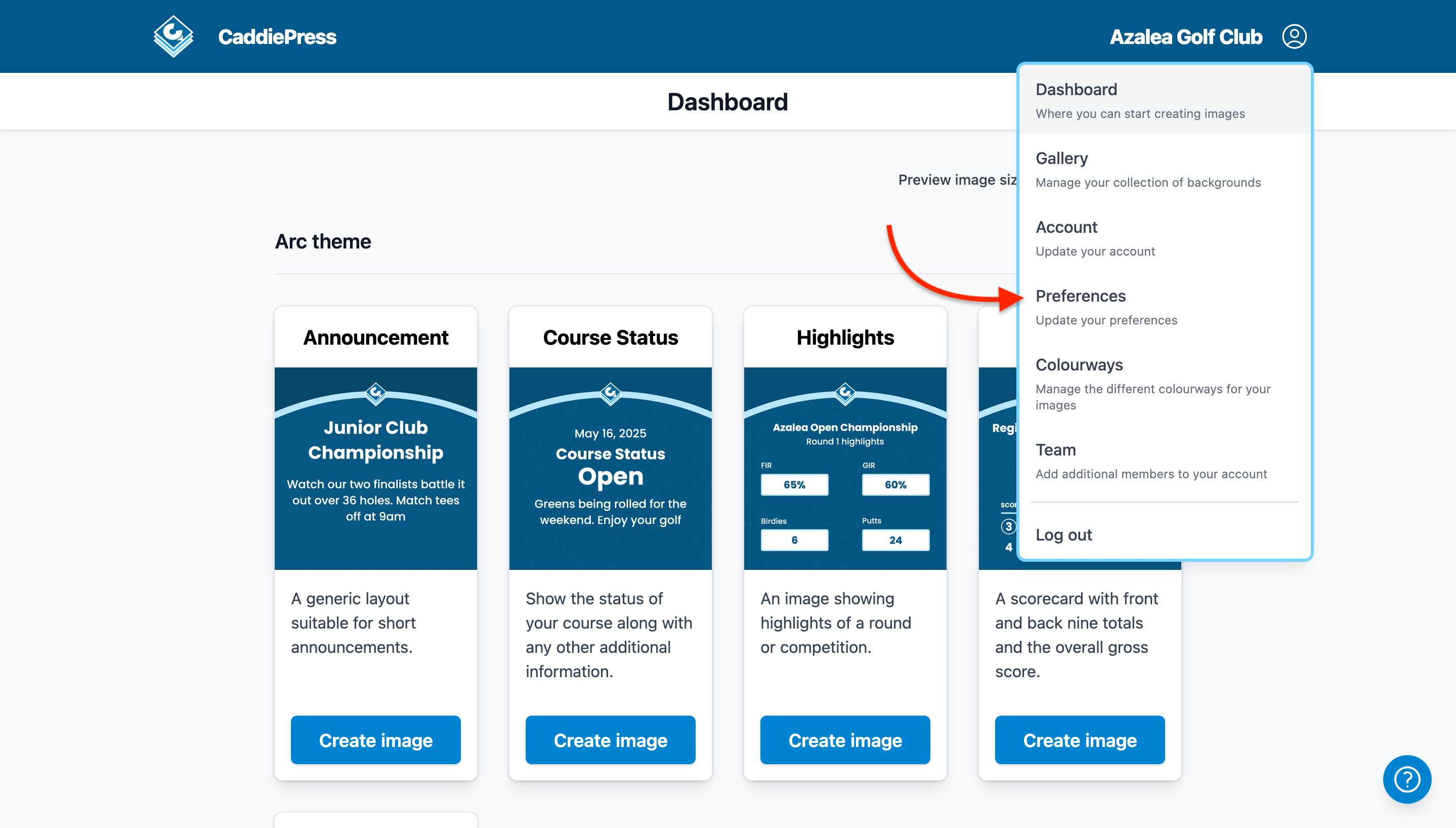
1. Once you are signed in, click the account menu at the top right hand side of the dashboard page. And then, click the Preferences menu item.
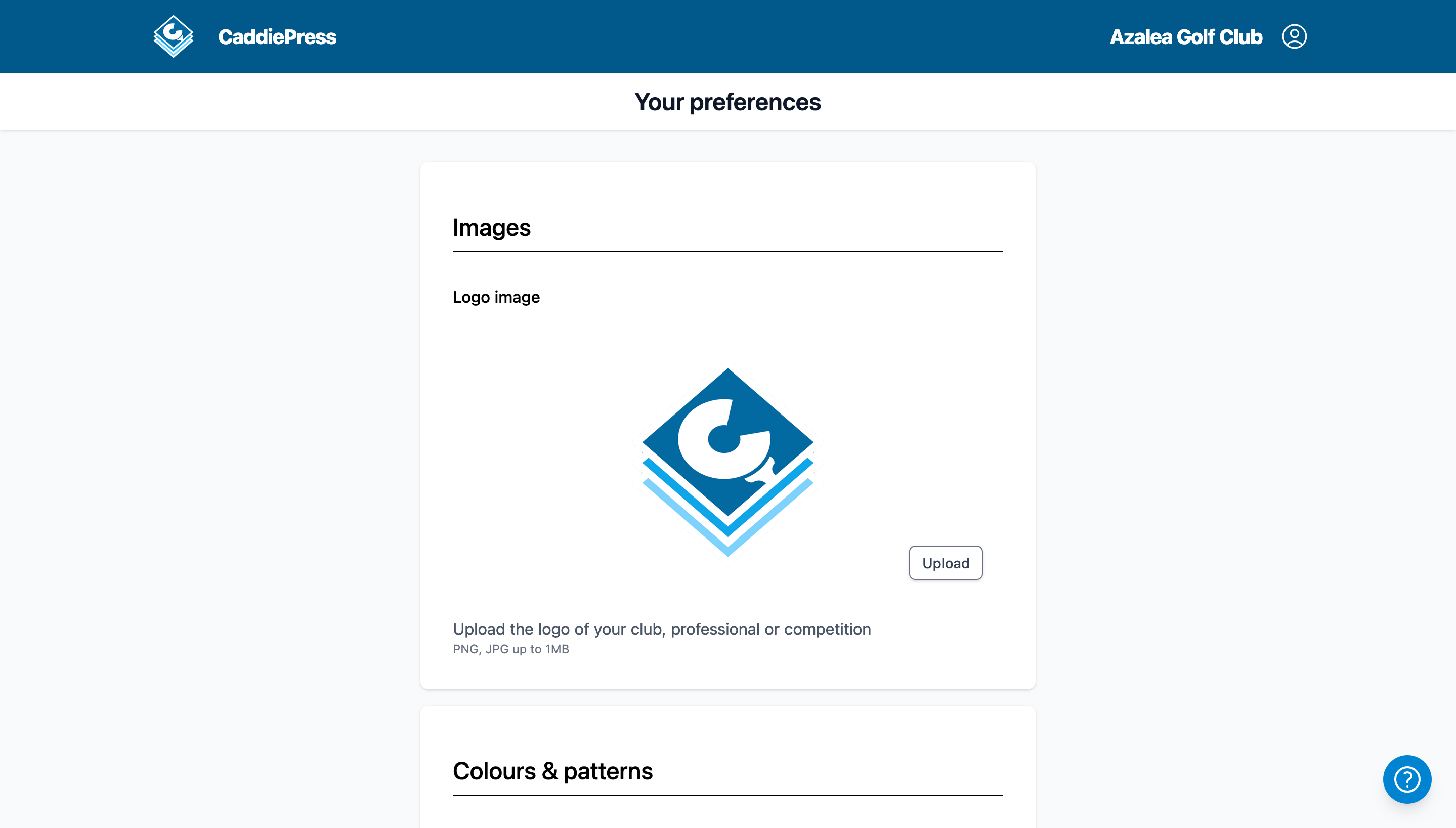
2. In the Images section you will see the ability to upload your logo.
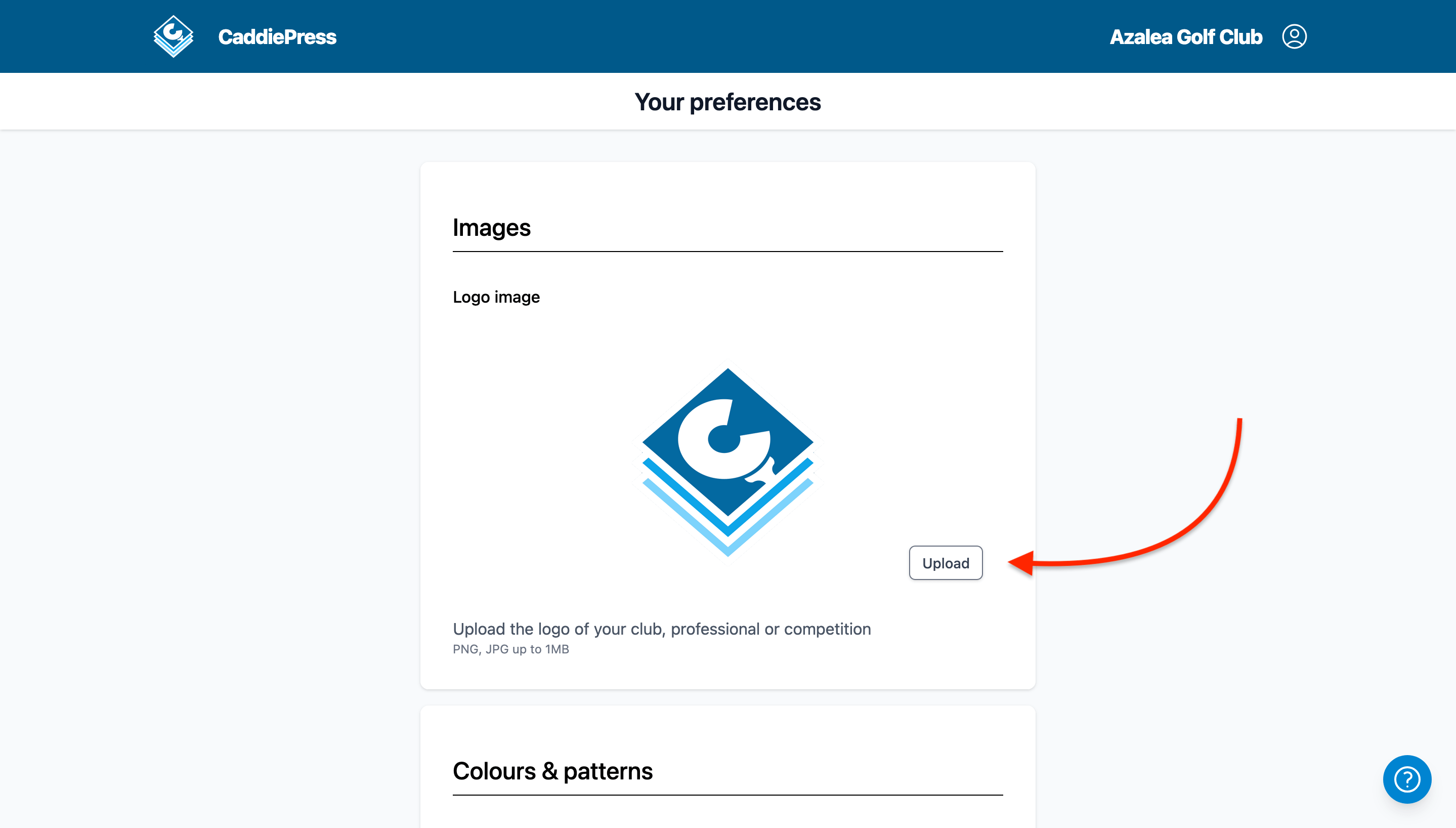
3. Click the Upload button open the file chooser and select the logo you wish to upload.
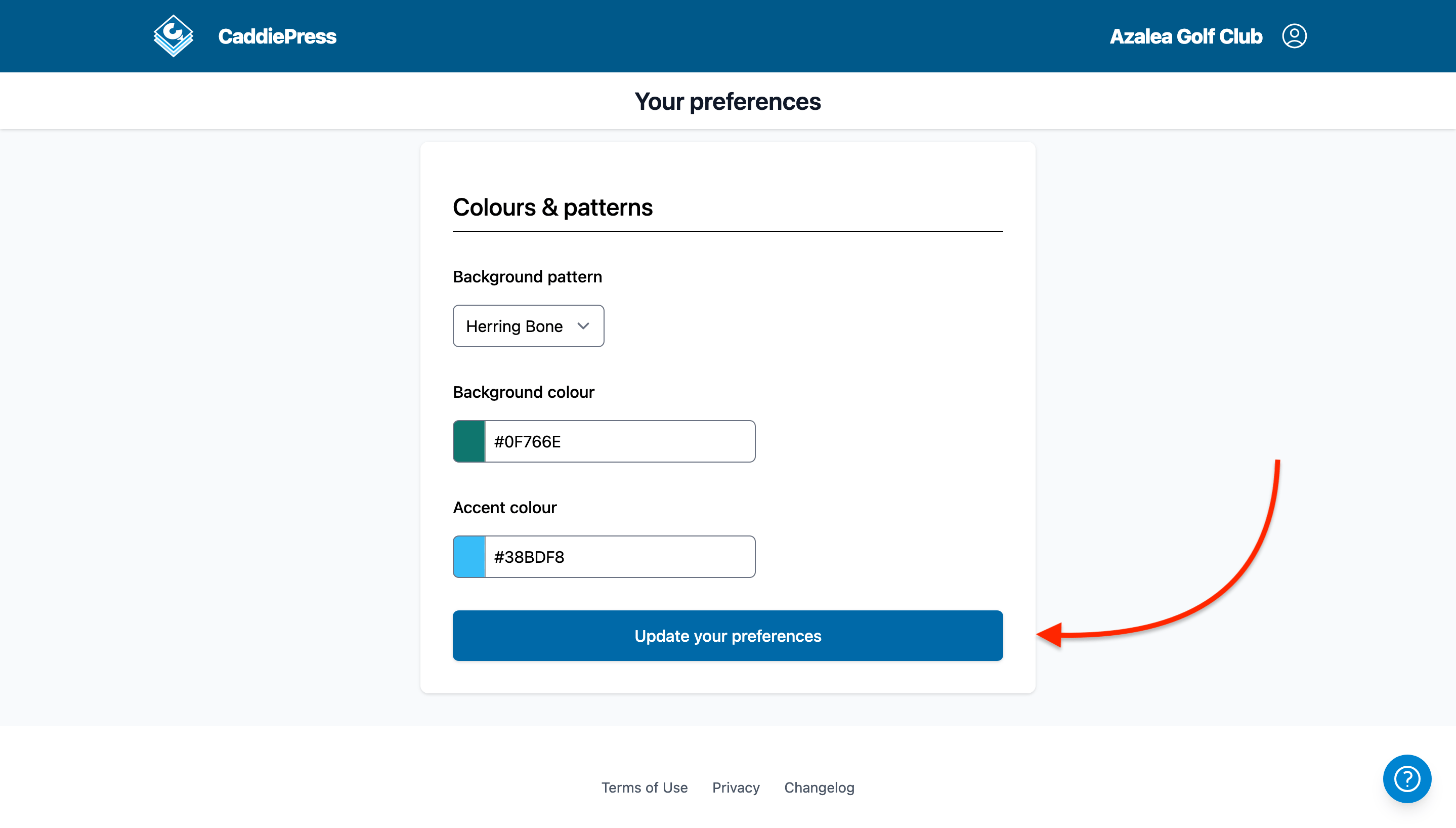
4. Click the Update your preferences button at the bottom of the page to save your logo.
Creating Your First Image
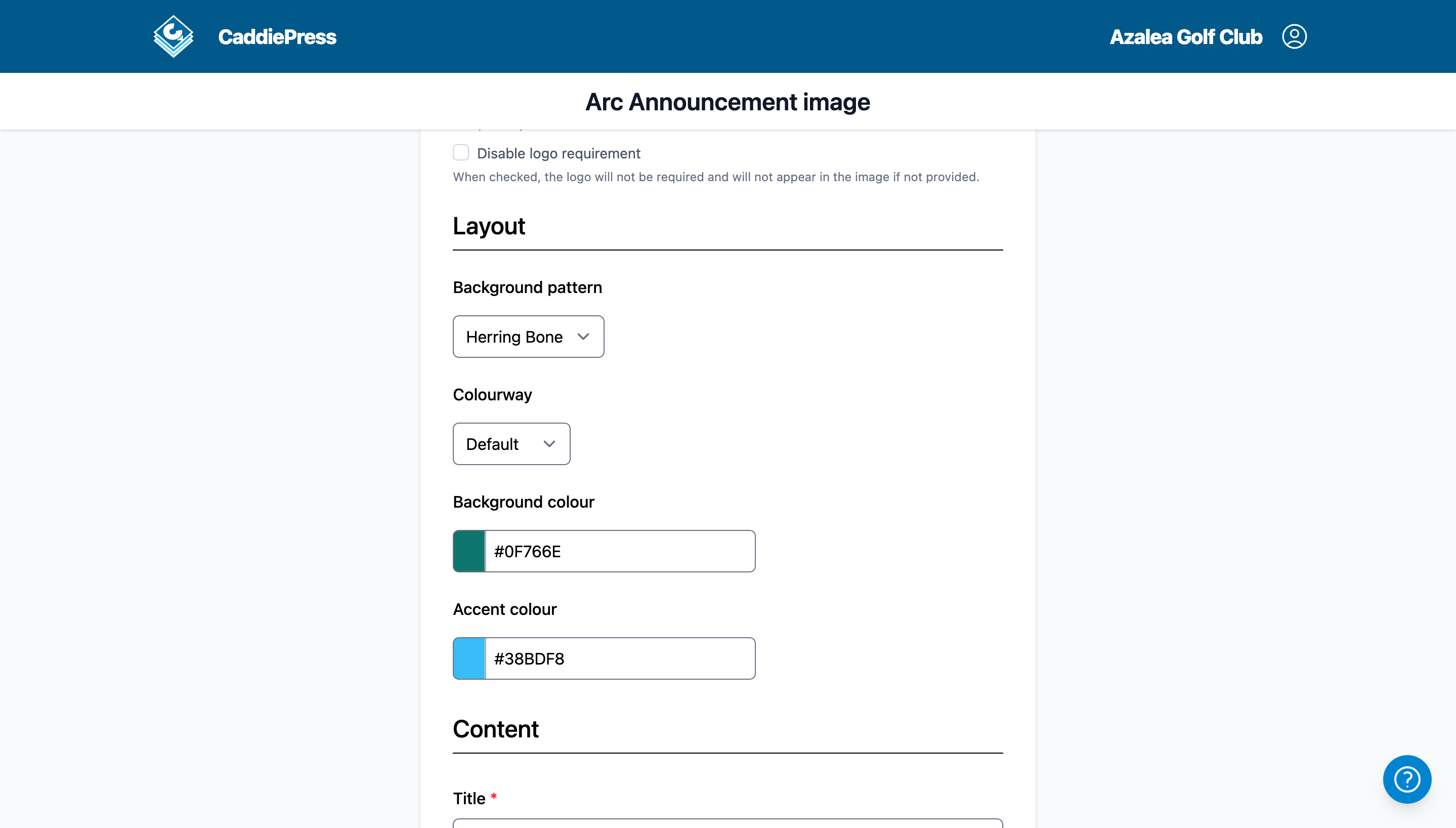
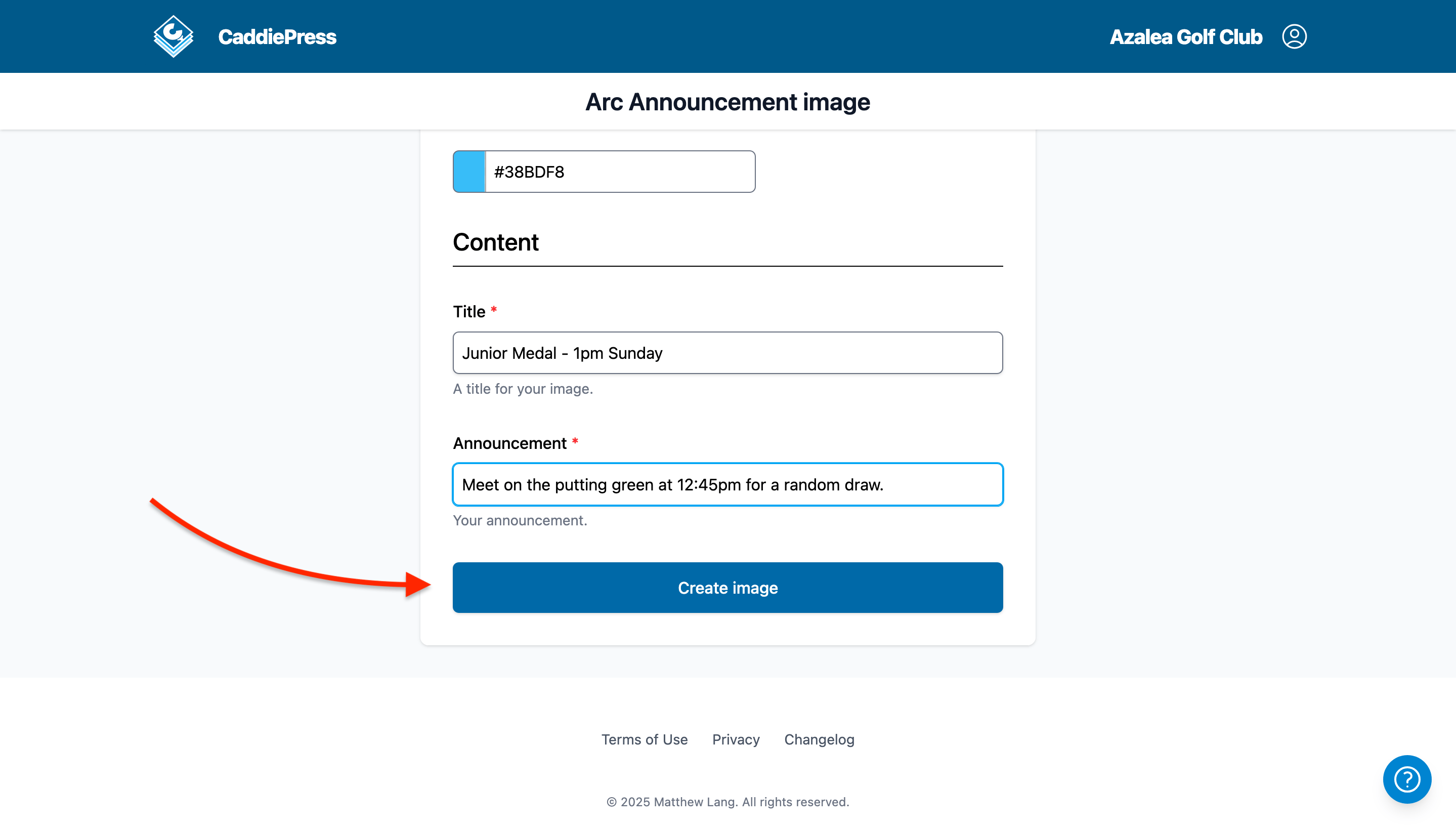
Creating your first image is a straigt-forward process regardless of the template you are using. With all templates in CaddiePress, you select the size of image you want to create. Fill in the text you wish to display, and depending on the size of image you have selected, you can add a background image and logo as well. There are other options there as well for cosmetic changes like changing colours, adn depending on the template, additional options if needed.
1. Select the template you wish to use from the dashboard.
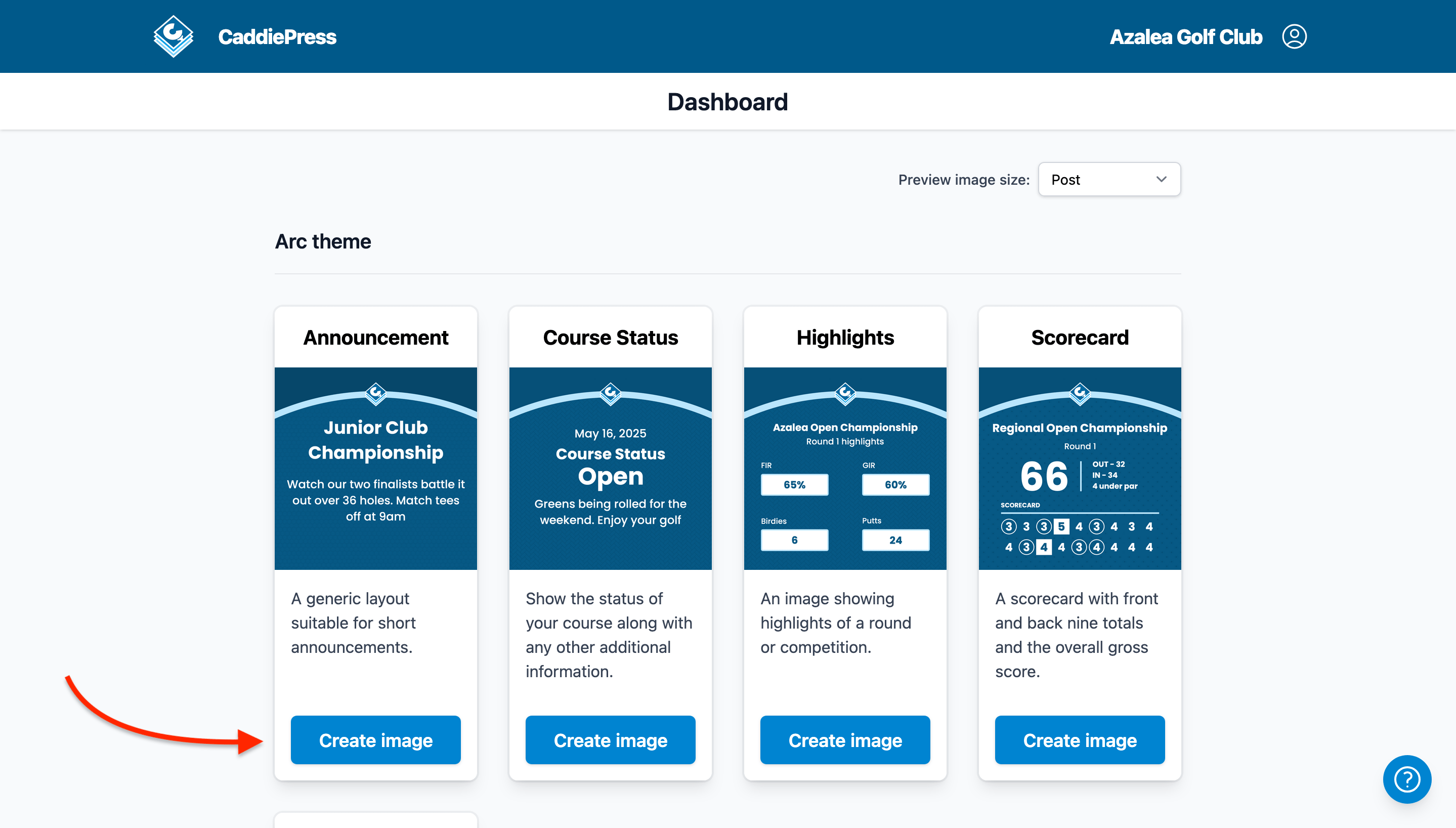
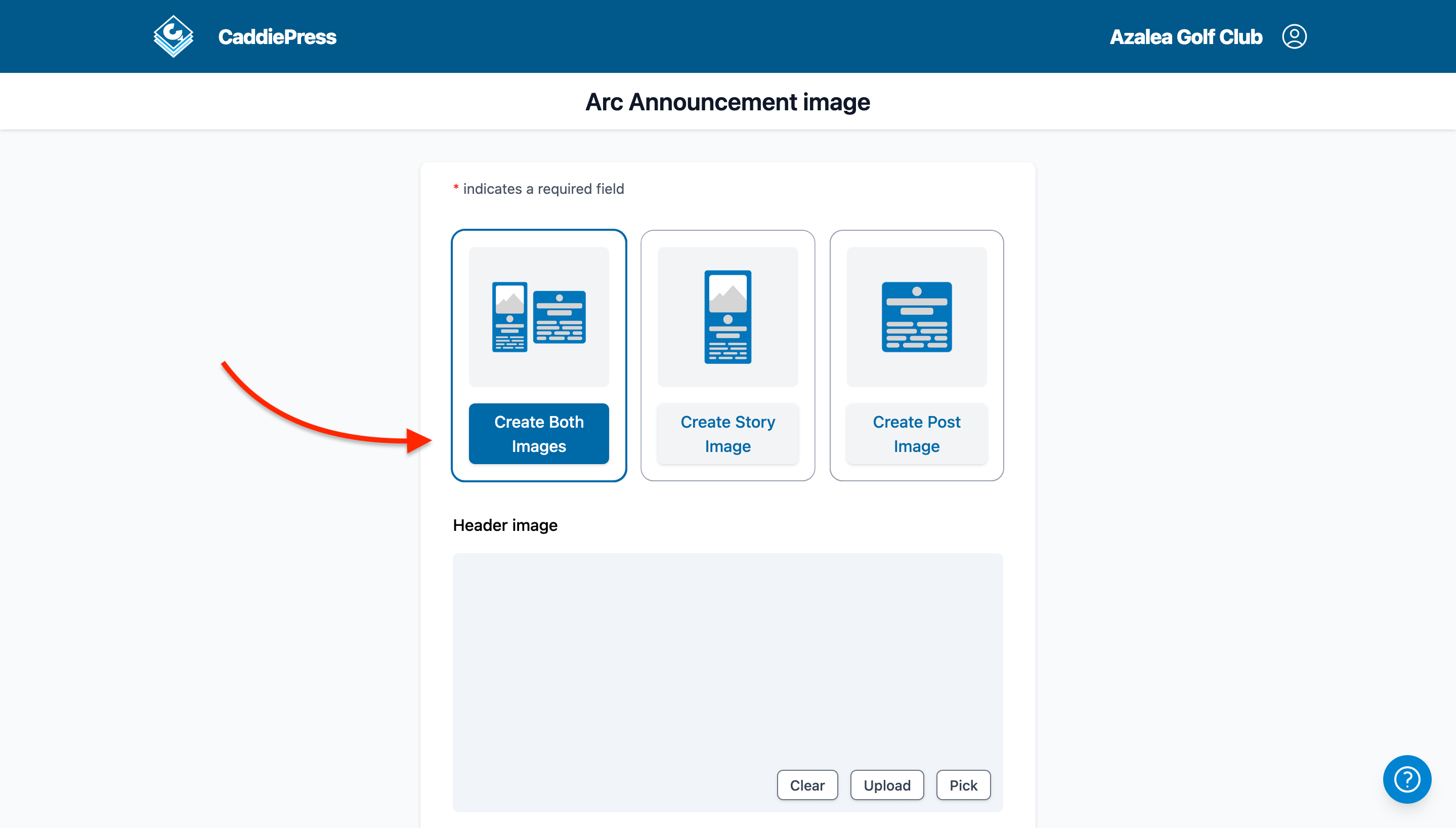
2. Select the size of images you wish to create.
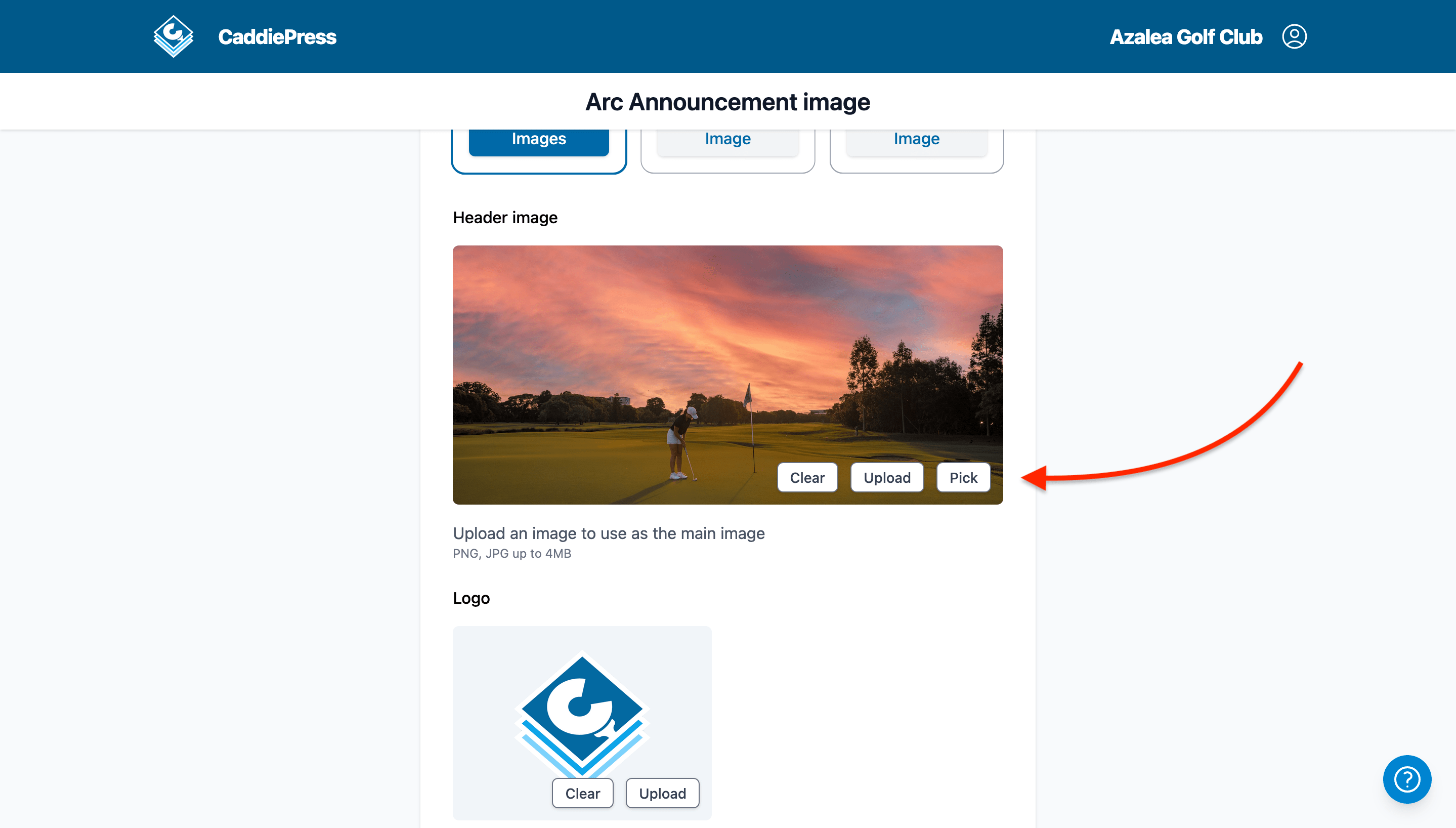
3. Pick or upload a header image for the template.
4. Upload the logo for the template.
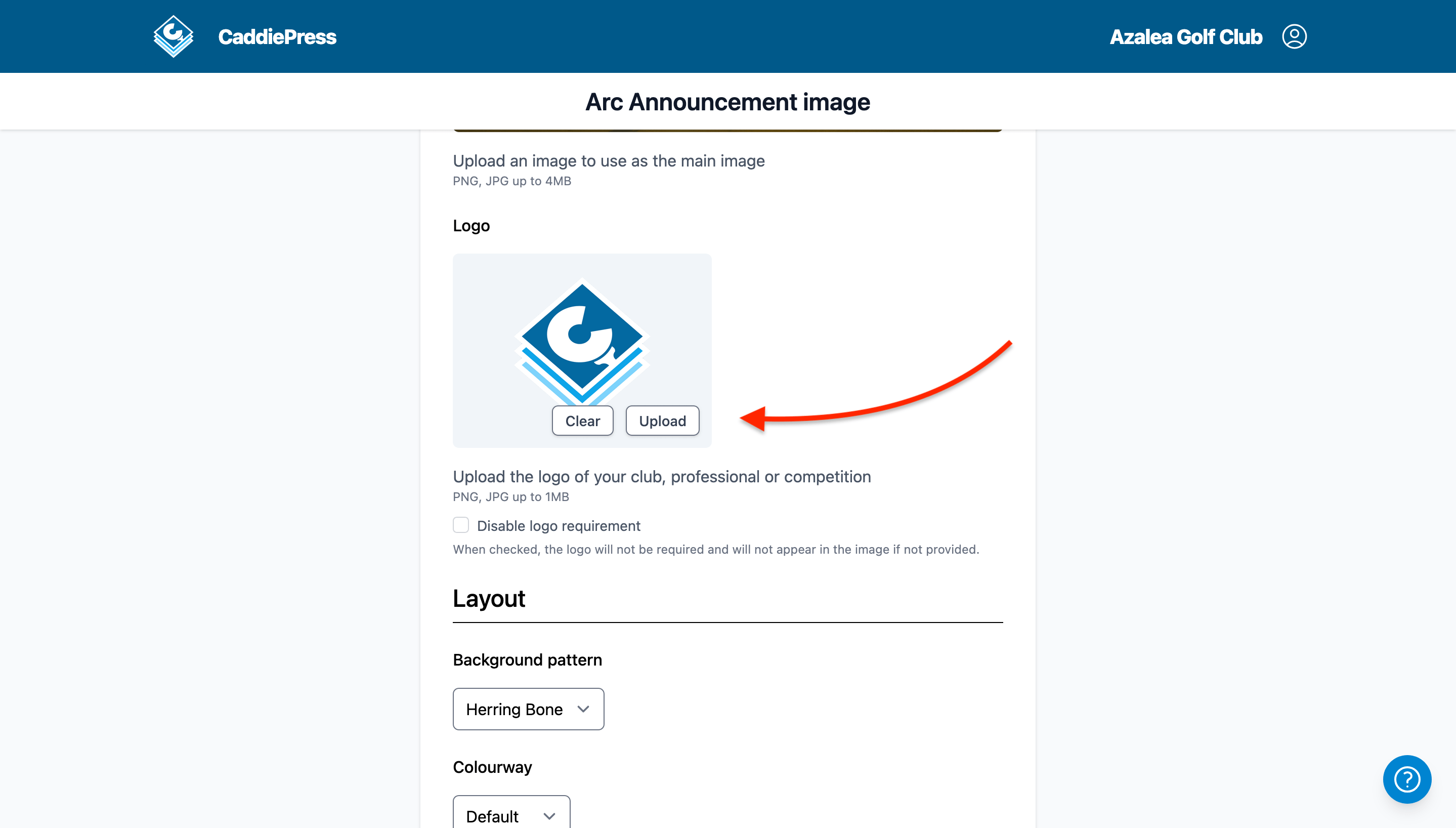
5. Select the background pattern and colourway for your template.
6. Fill in the necessary content for the template.
About Our Free Plan
We offer a free plan for organisations who want to try out CaddiePress long-term but maybe don't want to commit to subscribing to our paid plan right away.
Our free plan restricts you to just the essential features for creating an image.
- You can only select from a preset pallete of colours for your images.
- You can only select templates from the Arc and Capsule themes.
- Your organisation's account is restricted to one member.
- You can only generate 10 images per month.
Our key feature is allowing organisations to create images quickly and easily, however, creating images is an expensive process in terms of computing power. As a result, our free plan restricts organisations to being able to create 10 images per month. This might not seem a lot, but if your organisation is trying out CaddiePress for the first, we feel this free plan is a good place to start.